
1. Visit the download page on Bluebeam website.
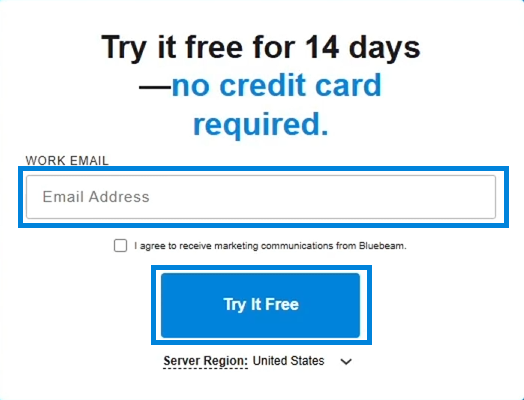
2. Enter your e-mail address. To use a Free Trial, you will need to create a new account, so enter an email address that is not associated with an Bluebeam account yet. Click ‘Try It Free’
3. Fill out all the necessary information. All fields are required unless noted. Agree to the Terms of Use and Privacy Statement, then click ‘Start My Trial.’ 
4. Download the software installer to start your 14-day trial. Click ‘Download for desktop’