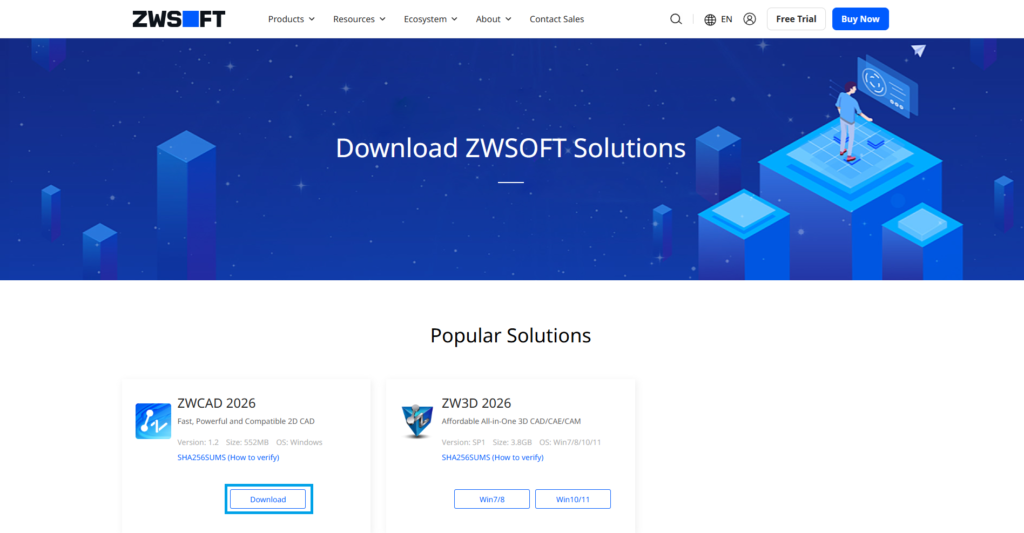
1. Visit the download page on the ZWCAD website.
2. Click Download.
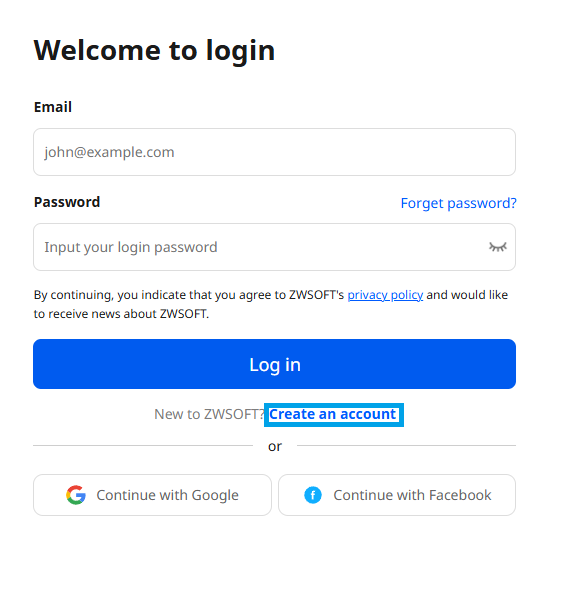
3. Click Create an account.
4. Fill out all the necessary information, then click ‘Sign up.’ 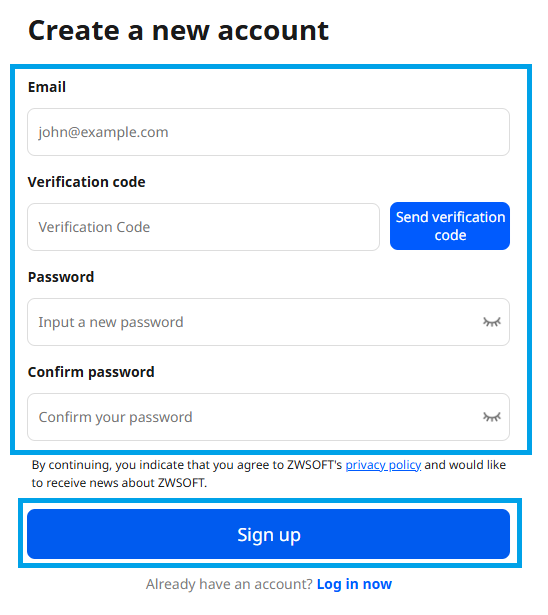
5. Wait for the page to redirect to the next step. 
6. Fill out all the necessary information. Agree to the Terms of Use and Privacy Statement, then click ‘Download.’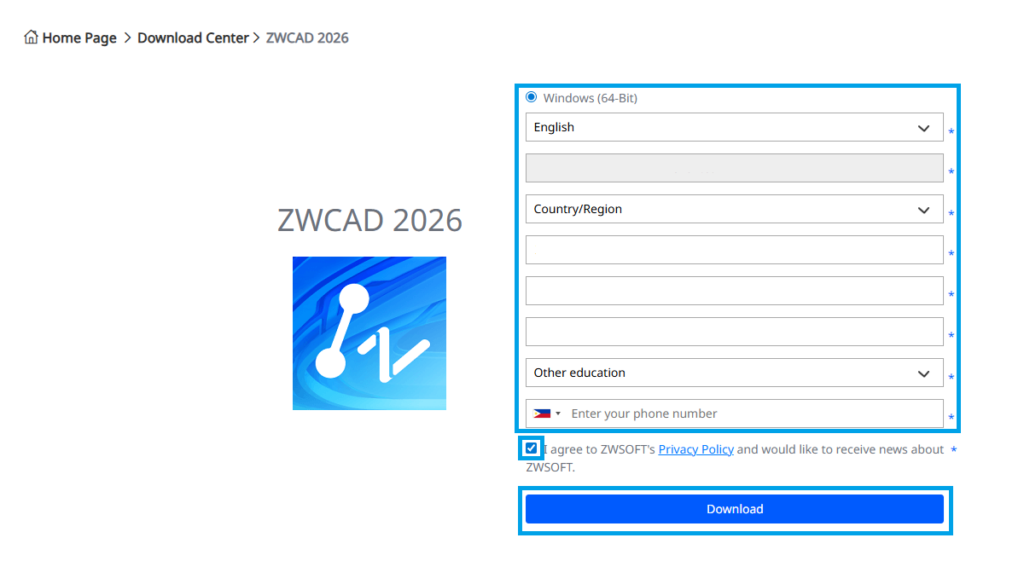
7. Check the inbox of the email address you used during registration to get the download link.
8. Open the email sent by ZWSOFT and click “Windows-64Bit” to download the installer.