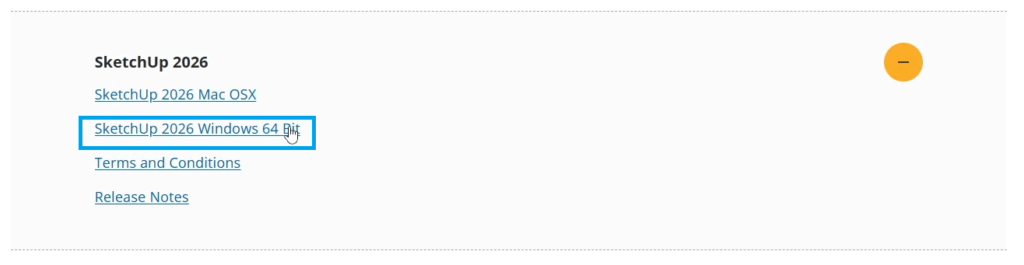
1. Visit the download page on the SketchUp website.
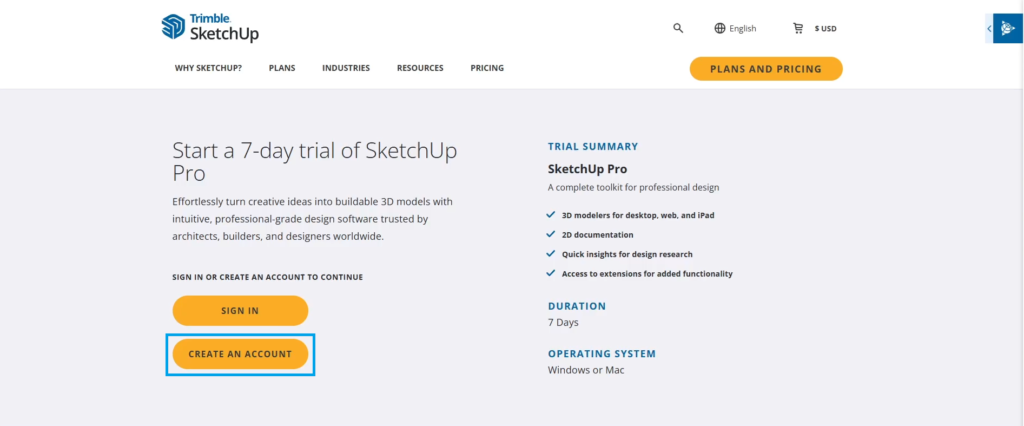
2. Click Create An Account.
3. Fill out all the necessary information. Agree to the Terms of Use and Privacy Statement, then click ‘Agree and continue.’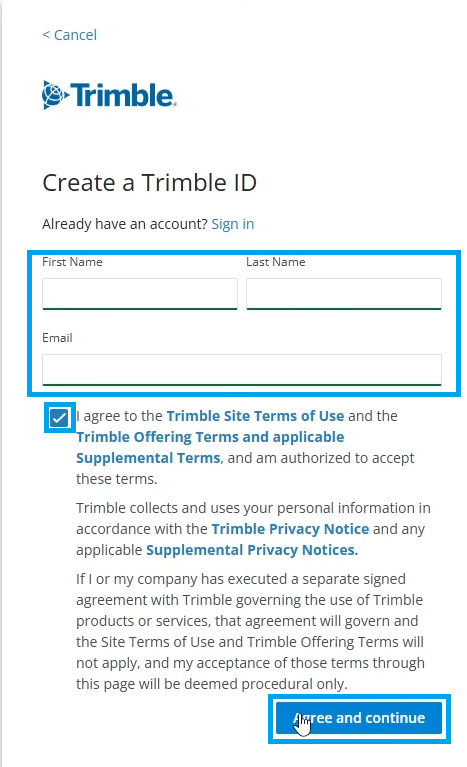
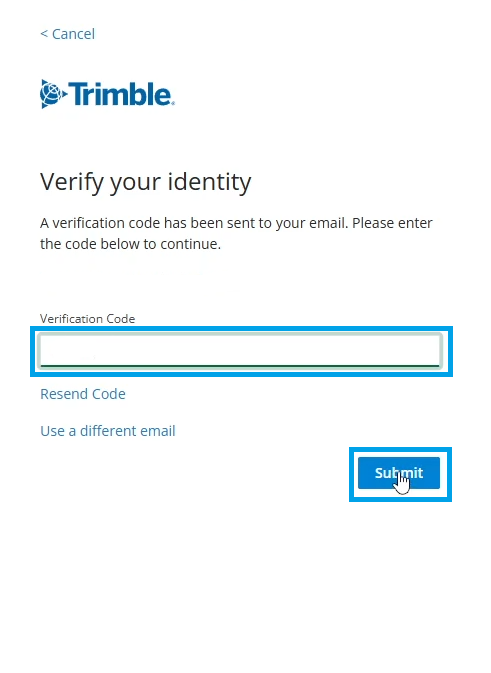
4. Enter the verification code sent to your email by Trimble.
5. Enter and confirm a strong password that meets the requirements, then click Continue.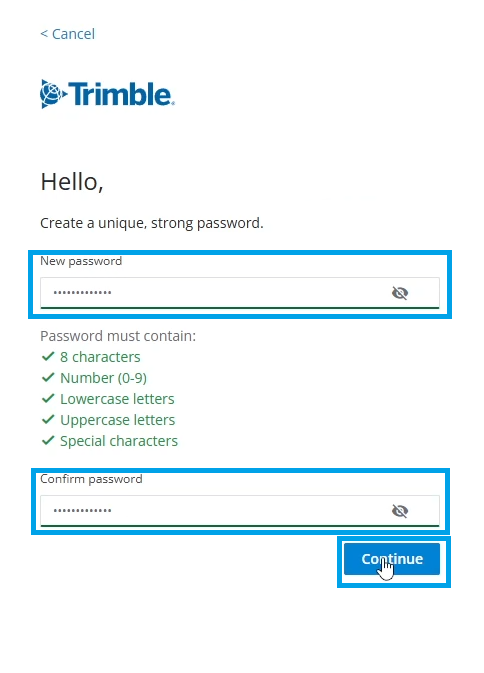
6. If you do not want to set up a passkey now, click Skip for now. You can create a passkey later from your profile settings.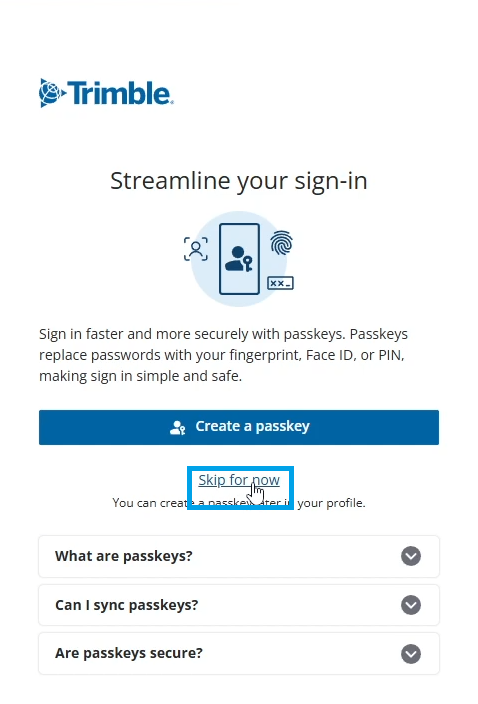
7. Select Next to continue to the next step.
8. Select Count me in! to continue to the next step.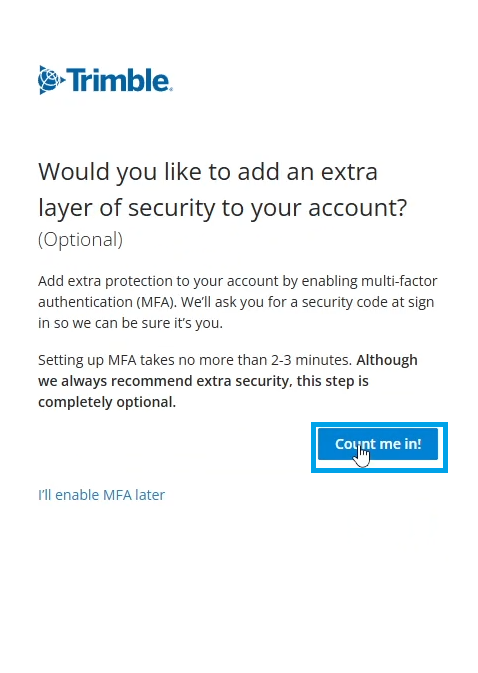
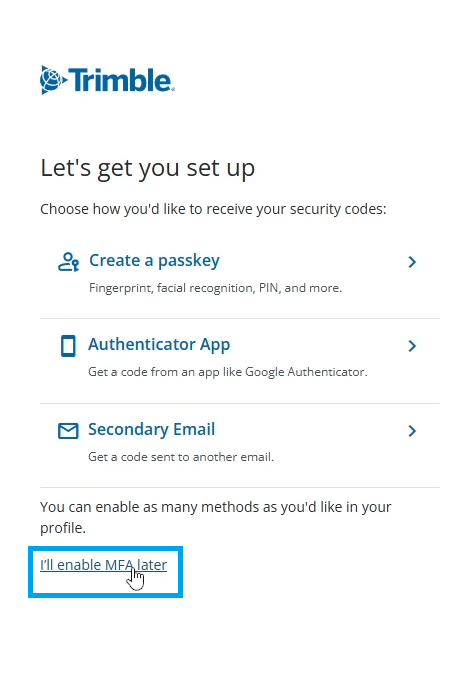
9. If you do not want to set up an MFA now, click I’ll enable MFA later. You can create an MFA later from your profile settings.
10. Select your account type, confirm your country, enter your phone number, check I AGREE, then click Start My Trial to continue.

11. Click Download SketchUp to get the download link.
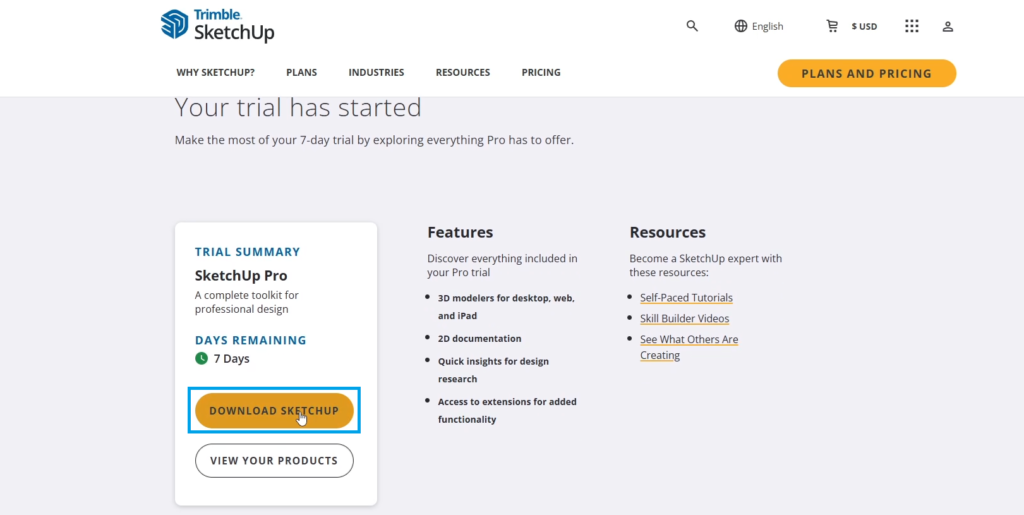
12. Click SketchUp 2026, then choose Windows 64-bit for Windows or Mac OS X for macOS.